Analog Bag
12 Free Printable Word Search Puzzles (PDF)
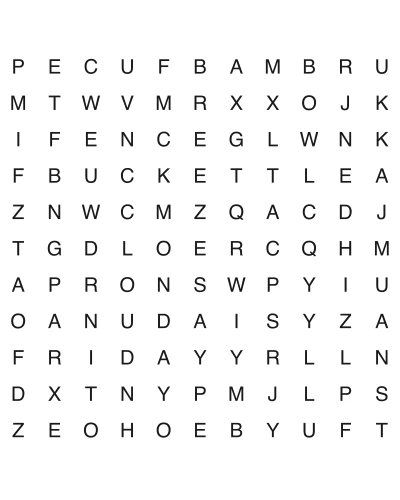
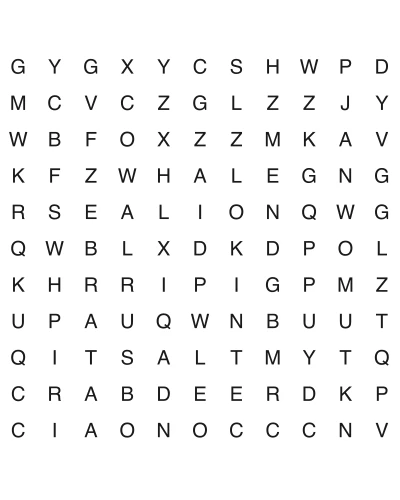
Every puzzle on this page downloads as a two-page PDF: the grid on page one, the answer key on page two. The type is vector, not a scan, so letters stay sharp whether you print at 100% on US Letter or scale to A4 — and the margins are set wide enough that no printer clips the edge of the grid. Pick a grid size, click, print.
How to download: Click any puzzle below to open the PDF (puzzle + answer key) in a new tab. Print on US Letter paper. No signup required.
At a glance
- Puzzles
- 12 free
- Format
- PDF (US Letter, 8.5×11 in)
- Grid
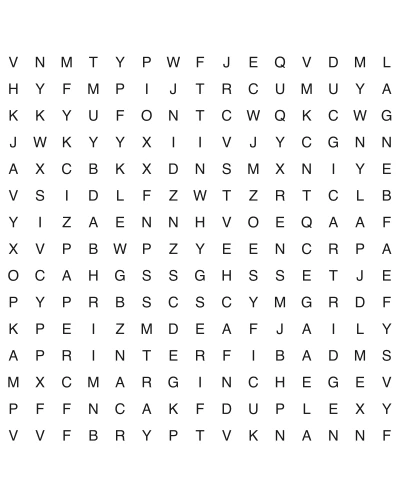
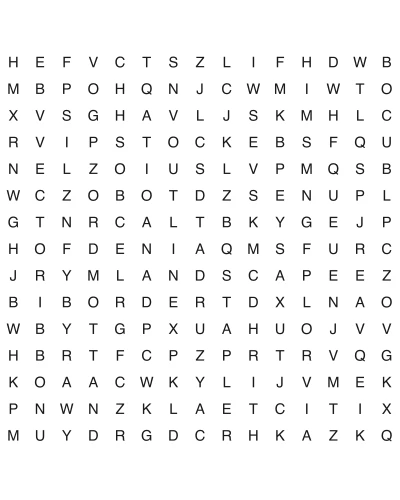
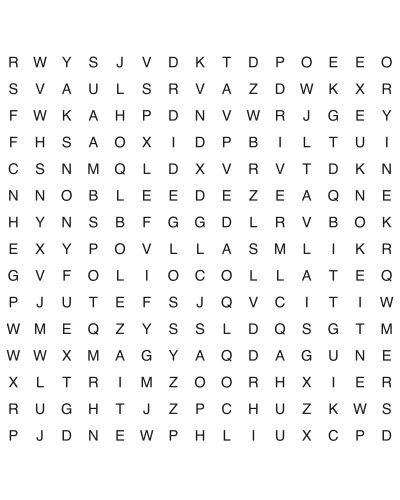
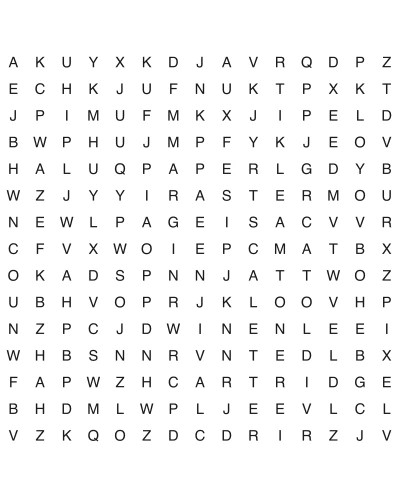
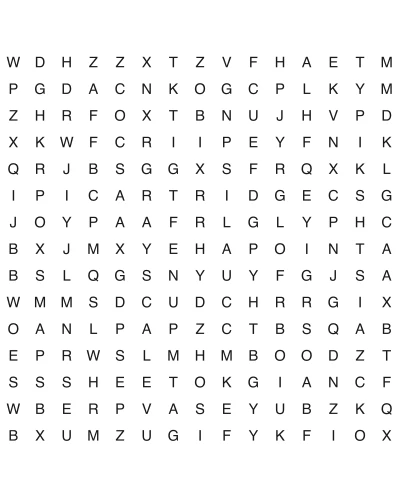
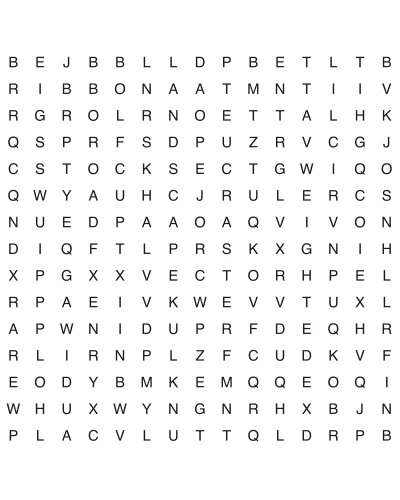
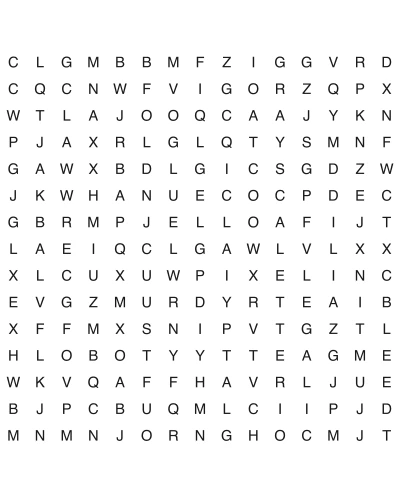
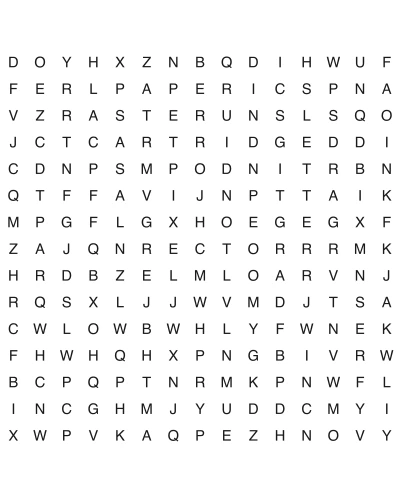
- 15 × 15
- Directions
- 4 (adds both diagonals)
- Price
- Free, no signup
- License
- Personal & classroom use
How to Play
What you actually get when you click download
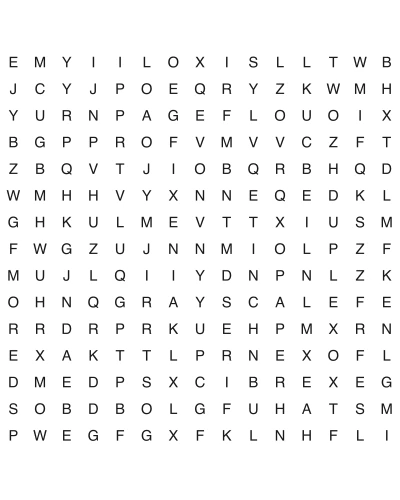
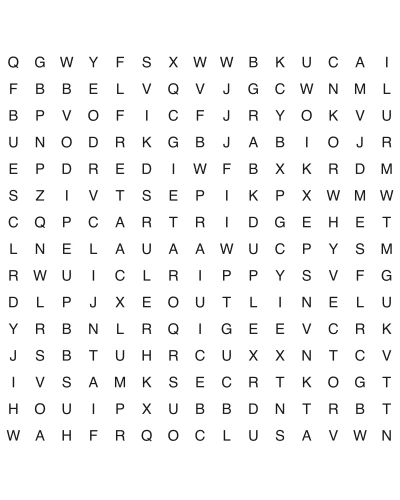
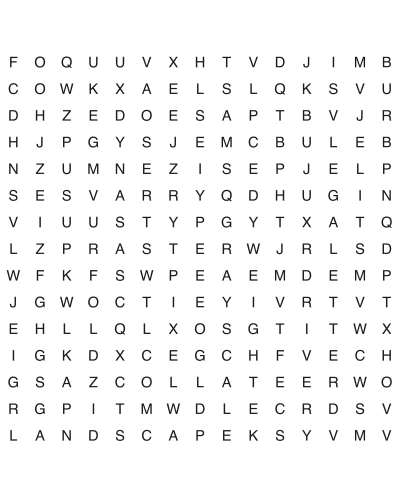
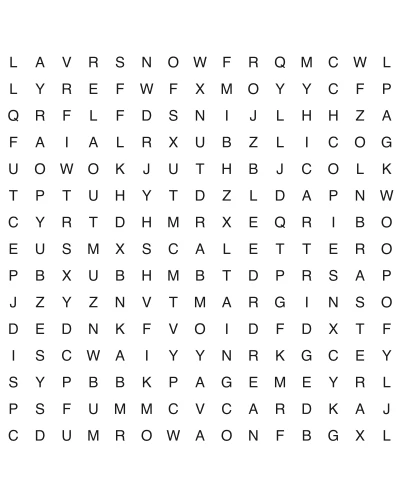
One click opens one PDF file, and that file has exactly two pages. Page one is the puzzle: the title, the letter grid, and the word list underneath it. Page two is the same grid with every answer circled. Nothing is split across a third page, there is no cover sheet, and there is no watermark strip that eats the bottom inch of the paper. That two-page shape is a deliberate choice rather than a limitation. A teacher photocopying for a class prints page one thirty times and keeps the single page two on the desk. A parent printing one puzzle for a long car ride prints both pages and folds the answer key in half so a kid cannot peek. A nursing-home activity coordinator printing a stack prints page one in quantity and never prints page two at all. One file serves all three because the pages are separable.
- •Page 1: grid + word list, nothing else
- •Page 2: the same grid with answers circled
- •No email, no account, no "unlock the answer key" step
- •The file name matches the puzzle title, so a folder of thirty downloads is still sortable
US Letter, A4, and why your grid does not lose its right-hand column
This is the failure people actually hit with printable puzzles. US Letter is 8.5 × 11 in; A4 is 210 × 297 mm, or 8.27 × 11.69 in — a quarter-inch narrower and two-thirds of an inch taller. Print something laid out edge-to-edge for Letter onto A4 and the narrower paper shears off the right side. With a letter grid that does not cost you decoration, it costs you a column of letters: three or four listed words no longer exist on the page and the puzzle is unsolvable, not just ugly. Which is why the exact numbers are worth stating rather than reassuring you vaguely. Our grid is 6.5 in wide, centred on an 8.5 in page: it spans 1.0 in to 7.5 in, leaving a 1.0 inch margin on each side. A4's printable width is 8.27 in. Since 7.5 < 8.27, the grid's right edge lands 0.77 in inside A4's paper edge — at full size, with no scaling. You do not need a separate A4 edition because the Letter layout was never close to A4's limit to begin with.
- •Print at 100% / "Actual size", not "Fit to page" — fit-to-page is what shrinks the letters
- •If your printer insists on a minimum border, "Fit to printable area" is safe here; the grid has room to give
- •Printing from a browser's built-in PDF viewer? Turn Headers and footers off. That setting is what injects a URL and a date and shoves the grid down the page
- •Duplex is fine: the grid is on page 1 and the key on page 2, so a double-sided print gives you a self-contained worksheet
Vector text, which is why it is still sharp at 400% zoom
A lot of free printables are secretly pictures: someone laid out a puzzle, exported a PNG, and wrapped the PNG in a PDF. It looks fine on a phone and falls apart on paper — soft grey halos, thin strokes breaking up, and an I and an l becoming genuinely hard to tell apart at 11 pt. That matters enormously in a word search, where the entire task *is* discriminating single letters. Ours are vector: the letters are stored as outlines the printer rasterizes at its own resolution, so a 300 dpi inkjet and a 1200 dpi office laser both render them at full crispness. There is a ten-second way to check any PDF before committing paper to it — zoom past 400% and try to drag-select a letter. If it highlights as selectable text with clean edges, it is vector. If the cursor refuses to grab it and the edges turn to grey mush, you are looking at a photograph of a puzzle. Run that test on any printable site, this one included.
- •Selectable letters = vector = sharp on every printer
- •Un-selectable, fuzzy at high zoom = a raster image, and no printer setting will rescue it
- •Vector also means the file is small — a two-page word search PDF here is in the tens of kilobytes, not several megabytes, so a classroom's worth downloads over school wifi without stalling
Printing a batch for a classroom, a waiting room, or a care home
Volume printing changes what matters. Three things decide whether a stack of thirty puzzles costs a dollar or fifteen. There is no ink on these pages except letters and thin grid rules — no shaded blocks, no coloured headers, no background tint, and solid fills are what drain cartridges. Print grayscale: colour mode mixes cyan, magenta and yellow to make something your eye reads as black, spending three cartridges on a letter that needs one. And print one sheet before the other twenty-nine — the thirty-page misprint is the expensive mistake, not the ink.
- •Grayscale / black-only: no colour cartridge is touched by these files
- •Zero shaded fills, so coverage per page is low
- •Need variety across a group so nobody copies a neighbour? Pull several different puzzles rather than thirty copies of one
- •A5 booklet trick: print two puzzle pages per sheet (2-up) and fold, and one sheet of Letter becomes a two-puzzle half-size booklet for a waiting-room table
Picking a grid size before you print
The grid is the difficulty, and it is worth matching it to who is holding the pencil before you spend the paper. Pick one tier for a mixed group rather than mixing tiers, or the fast solvers finish the easy sheets and start talking while the rest are still on the first diagonal.
- •Easy — 11 × 11, two directions. Words run left-to-right and top-to-bottom only. Nothing is reversed, nothing is diagonal. This is the right choice for an early reader and for anyone whose eyes tire quickly, because the scan pattern is predictable: read each row, then read each column, and you are guaranteed to be done.
- •Medium — 15 × 15, four directions. Adds both diagonals. The jump in difficulty from easy is bigger than the jump in grid size suggests, because diagonals break the row-and-column scanning habit entirely.
- •Hard — 18 × 18, eight directions. Everything, including words spelled backwards. A reversed word is invisible to a left-to-right reader until they consciously switch to looking for the final letter first.
A downloaded file is frozen; a puzzle on someone else's page is not
In September 2026 a teacher at Boone County High School in Kentucky was placed on leave after handing out a word search containing a racial slur. The detail that matters here is not the one you would guess. The slur was not a chance accident in the filler letters — it was on the word list itself. Reporting traced the identical puzzle to Word Search Labs, a site where users create and share puzzles. Students spotted it and told the teacher, who self-reported; the district called the distribution unintentional, and she later returned to the classroom. How exactly the word got onto that list has not been publicly established, and we are not going to guess at it. The part that is established is enough: the teacher did not write that word, and did not catch it before thirty copies came off the printer. The useful lesson is about where a worksheet comes from, not about proofreading harder. A puzzle that lives on a page anyone can edit has no fixed content: whatever you reviewed is not necessarily what the next person downloads. That is a property of the source, and it is the argument for working from a file rather than from a live page. Ours are generated from a fixed word list and written straight to a static PDF: there is no public editor, and no way for a visitor to alter what someone else downloads. (Filler letters get separate automated screening — the easy word search page has the per-tier rates, which depend on grid size.)
- •A downloaded PDF is frozen: what you previewed is what prints, today and in March
- •A puzzle rendered live from an editable page carries no such guarantee
- •Print one copy and look at the actual paper before running the other twenty-nine — a browser tab is not the thing that comes out of the tray
- •If a site lets visitors edit published puzzles, treat its output as a draft, not a worksheet
Frequently Asked Questions
Why does my word search get cut off when I print it?
Missing letters on the right edge means a Letter-sized layout printed on A4, which is about a quarter-inch narrower — switch the paper size or use "Fit to printable area". A missing bottom row instead means your browser's PDF viewer has headers and footers switched on, adding a URL and date line that steal the space; turn it off. Neither should happen with these files: the 1.0 in side margin means the grid stops at 7.5 in on a page A4 can print to 8.27 in, so there is nothing in the clipping zone to lose.
Should I print at 100% or use "Fit to page"?
100%, also labelled "Actual size" — on US Letter and on A4 alike. Fit-to-page shrinks the letters to clear a border these files already reserve, and in a word search the letter size *is* the accessibility of the puzzle. On a printer that refuses to honour 100%, "Fit to printable area" is safe: the grid has 0.77 in of slack on A4 to give.
Does the download include the answers?
Yes — page two of the same PDF, with every word circled on a copy of the grid. There is no separate download, no email gate, and no "answer keys available to subscribers". If you are printing for a group and do not want the key going out with the sheets, print page 1 only; the page range field in any print dialog does this.
How many words are in each puzzle, and how big is the grid?
The tiers are 11 × 11 / 15 × 15 / 18 × 18 with 2 / 4 / 8 directions respectively, as set out in the grid-size section above. The part worth adding here: grid size caps the word count. A smaller grid physically cannot hold as many words without them overlapping into mush, which is why an easy puzzle has a shorter list — a design constraint, not us being stingy.
Can I use these in my classroom, or for a nursing-home activity group?
Yes, both. Personal and classroom use is covered — print as many copies as you need for your own class, group, or family, including photocopying a printed sheet. The two things not permitted are reselling the PDFs and re-uploading them to another site as your own downloads. If you are planning a group session, print one copy first and check the letter size at arm's length before you commit to thirty.
Why do some free word search PDFs print blurry?
Because the puzzle inside is a picture, not text — a grid exported as a PNG and wrapped in a PDF prints with soft grey edges, ruinous when the task is telling an I from an l. The drag-select test in the vector section above tells you which kind you have in about ten seconds. Ours are vector.