Analog Bag
12 Free Printable Easy Word Search Puzzles (PDF)
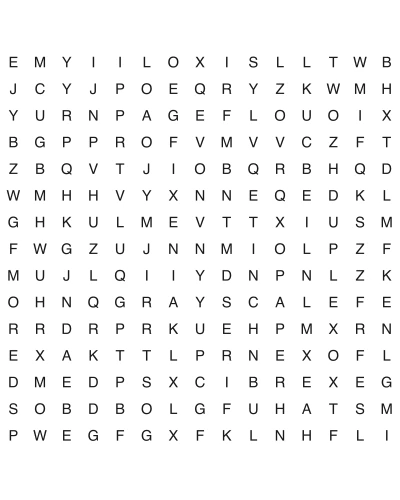
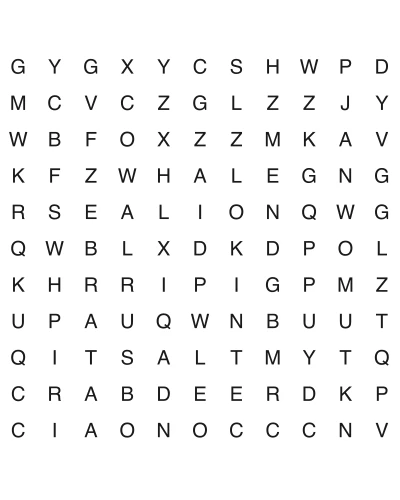
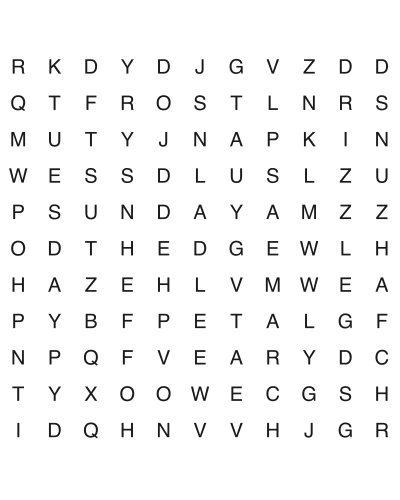
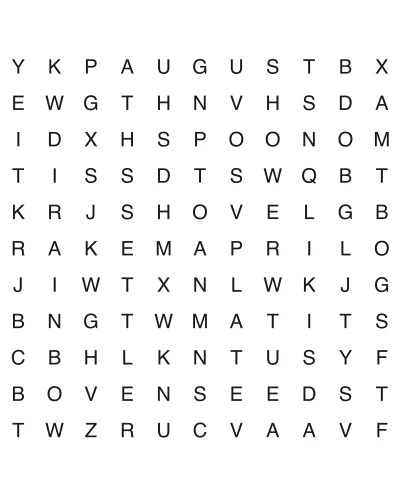
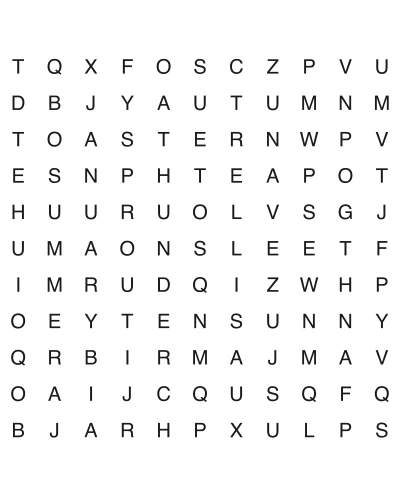
Gentle word searches you can print and hand to someone today. Every puzzle here is an 11x11 grid with words hidden only across and down — never backwards, never diagonally — and the letters print at about 23 points, which clears the 18-point large-print standard. Each free PDF is US Letter with the answer key on page two. Good for a child just learning to scan a page, for anyone whose close-up vision has changed, and for a quiet ten minutes in between.
How to download: Click any puzzle below to open the PDF (puzzle + answer key) in a new tab. Print on US Letter paper. No signup required.
At a glance
- Puzzles
- 12 free
- Format
- PDF (US Letter, 8.5×11 in)
- Grid
- 11 × 11
- Directions
- Across and down only
- Price
- Free, no signup
- License
- Personal & classroom use
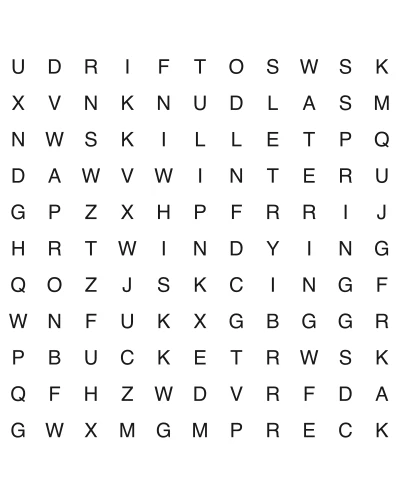
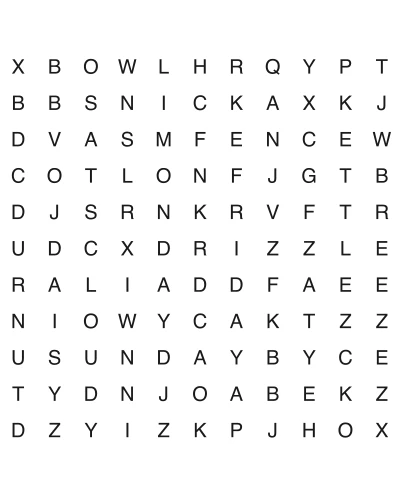
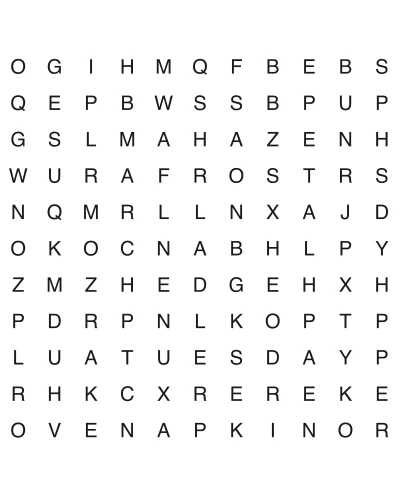
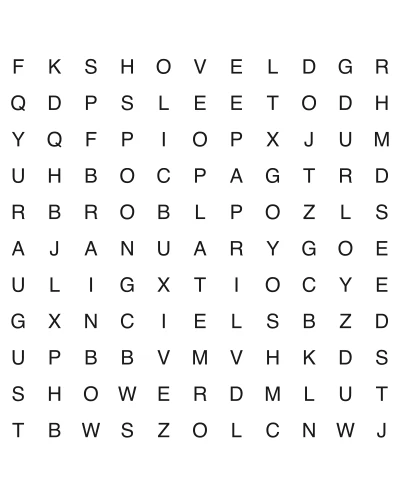
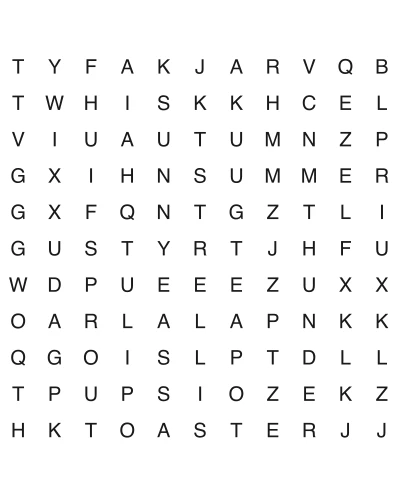
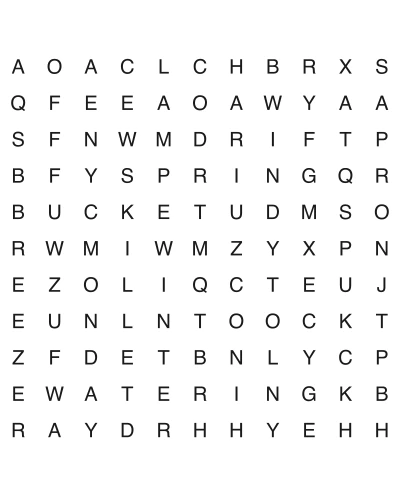
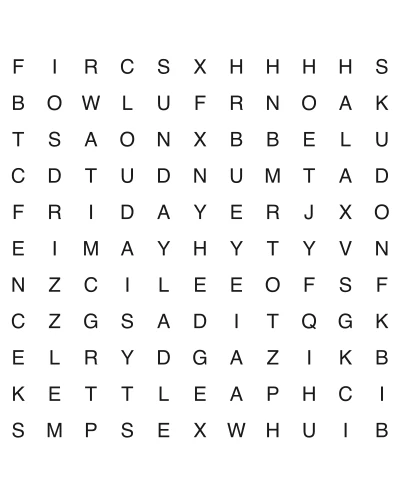
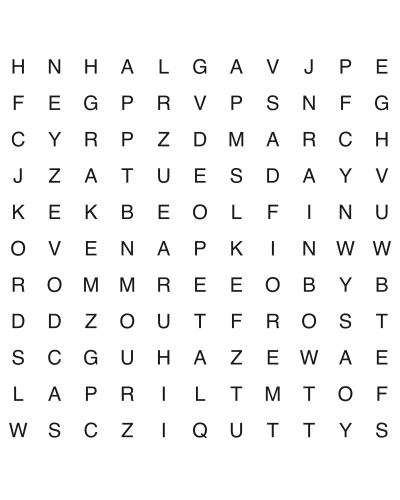
How to Play
What makes a word search "easy"
Difficulty in a word search is not about how obscure the words are. It is about how many directions you have to search in. A word can be hidden in eight: across, back, down, up, and the four diagonals. Every direction you add multiplies the work, because you cannot rule one out by looking — you have to actually scan it. And the hard directions genuinely hide words. Setters place roughly half of all words so they read in reverse, and the diagonals running up and to the left are the ones almost nobody checks, which is why the last unfound word is so often sitting there in plain sight. The puzzles on this page use two directions only: Nothing is reversed. Nothing is diagonal. That one constraint is what the word "easy" means here, and it changes the solving experience more than any other setting: That is the whole trick. Fewer directions, smaller board, same satisfaction when the word finally pops. If you want the same gentleness in a number puzzle, easy sudoku is the equivalent tier, and there are more free printable puzzles across both.
- •Across, left to right
- •Down, top to bottom
- •You read the grid the same way you read everything else — left to right, top to bottom. No retraining your eye.
- •You can scan a row, finish it, and be *done* with that row. In an eight-direction puzzle no row is ever finished, because a word might still be running through it diagonally.
- •The grid is 11x11, or 121 letters. A hard 18x18 grid is 324 letters — nearly three times as much to look at.
Large print is about letter size, not grid size
This is the thing most "large print" puzzle pages get backwards, and it is worth being precise about, because it is the single most common reason a printed puzzle turns out to be unreadable for the person it was meant for. A puzzle page has a fixed amount of paper. Our grid is drawn 6.5 inches wide on US Letter, which is what fits between normal printer margins. That width does not change with difficulty. So when the grid gets bigger, the letters get *smaller* — they have to, because the same 6.5 inches is being divided into more cells: A bigger grid is therefore the *opposite* of larger print. "More words, bigger puzzle" and "easier to read" pull against each other, and a puzzle advertised as having 40 words on one page is, almost by arithmetic, a small-print puzzle. Why 23 points matters: the American Printing House for the Blind draws its line at 18 point — that is where print is genuinely "large", and anything between 12 and 18 point is only "enlarged". Our easy grid prints at about 23 point, comfortably past that line. The medium grid lands around 17 point, just under it. The hard grid, at roughly 14 point, is ordinary print. A few other things that follow from this, if you are printing for someone with presbyopia, cataracts, or macular changes:
- •Plain paper beats glossy. Glare obstructs more people than size does. Matte white or cream, with the lamp aimed at the page rather than the reader.
- •Spacing matters as much as size. The grid uses sans-serif capitals with generous gaps between cells; crowded letters are harder to resolve than small ones.
- •If 23 point still is not enough, enlarge rather than squint. A photocopier at 120% onto Legal paper, or a print dialog set to scale *up*, both work — and the point size scales with them. This is the one case where deliberately changing the scale is the right move; the default should otherwise stay at 100%, which the word search PDF page covers along with paper sizes and the rest of the print-dialog settings.
Who these are actually for
"Easy" sounds like a lesser version of a real puzzle. In practice, a two-direction puzzle is the *right* puzzle for several specific people, and a harder one is simply the wrong tool. A child of about 5 to 7, just learning to scan text. This is the age where most children can start word searches — the prerequisites are recognizing the alphabet and understanding that text runs left to right. A two-direction grid rehearses exactly that habit. An eight-direction grid actively undermines it: you are asking a child who is still consolidating "we read left to right" to hunt for `TACSAB` and call it a win. Keep the first few puzzles to 8 or 10 words from a theme the child already knows, and let them use a highlighter rather than a pencil — circling a word accurately is a fine-motor task on top of the reading task, and it is not the one you are practising. Someone in stroke or brain-injury rehab. Word searches get used in occupational and speech therapy as a visual-scanning and sustained-attention activity, and large print with low visual clutter is the usual recommendation. Two directions matter here for a reason that is easy to miss: after a stroke affecting one side of the visual field, a diagonal or reversed word may sit in the part of the page a person is not yet reliably scanning, so "couldn't find it" gets confused with "can't see there." A predictable left-to-right, top-to-bottom grid makes the activity about attention rather than about luck. These are a leisure activity, not a treatment — follow the therapist's lead on how long and how often. An older adult in assisted living or a memory-care setting. The practical constraints are print size, glare, and dignity. A puzzle that defeats someone is worse than no puzzle; a puzzle that is obviously babyish is also worse than no puzzle. Adult themes — gardening, big-band singers, baking, weather — at an easy difficulty hits the right spot. Printing two copies and solving one alongside someone turns it from a test into company, which is usually the actual point. An English learner. A word search is a spelling and letter-recognition exercise, and it is a surprisingly good one, because finding `THURSDAY` in a grid forces attention to the letter order in a way that reading the word on a list does not. Keep the word list to one semantic group so the vocabulary reinforces itself, and say the words aloud while solving — the grid teaches spelling, not pronunciation, and pronunciation is the part that needs a voice.
Helping someone who is stuck, without giving the answer away
The answer key is on page two of every PDF, which makes it very easy to end the puzzle by accident. A better ladder, from gentlest to most direct — go one rung at a time and stop as soon as it works: One more that works especially well with children: if a word genuinely will not come, let them find it, then have them hide the same word in a blank 11x11 grid for you. Switching from finder to hider is the fastest way to understand how the puzzle works, and it reliably kills the frustration.
- •Name the direction. "That one's going down." Halves the search space and gives away nothing else.
- •Name the first letter and let them hunt it. "It starts with a P — find the P's first." This teaches the technique that solves every future puzzle: hunt the rare letter, not the word. `Q`, `Z`, `X`, `J` and `K` are worth pointing out as anchors.
- •Narrow to a region. "It's somewhere in the bottom half." Keeps the find theirs.
- •Point at the row or column. Still leaves them to spot where in the line it begins.
- •Cover the word list and read the word aloud instead. Some people find a word faster when they are holding the sound of it rather than its shape.
- •Only then, page two. And if you get there, look at *where* it was together — "oh, it was going down, we were reading across" is the thing worth learning from a puzzle you didn't finish.
How the puzzles and the PDFs are built
Some specifics, since the whole value of a printable is that it prints correctly the first time:
- •US Letter, portrait, two pages: the puzzle, then the answer key. The key is the same grid with every hidden word circled, so it reads at a glance instead of being a coordinate list. Printed on US Letter with margins that clear A4 as well — the word search PDF page covers paper sizes and print settings in detail.
Why the easy grid is the least likely to need a reseed
The blank cells of a word search are filled with random letters, and random letters occasionally spell something you would not want on a sheet going into a classroom. Every grid here is scanned in all eight directions before a PDF is written, and any grid that trips the check is regenerated with a bumped seed. The interesting part is that the rate is not one number — it scales with how much filler there is, which means it scales with the difficulty tier. We measured 2,000 grids per tier: That is the same ordering as the legibility table above, and for the same underlying reason: a bigger board means more cells, which means both smaller letters *and* more chances for the filler to spell something by accident. The easy tier is the gentlest on both counts. It is worth knowing the number is non-zero even here — 2.1% is roughly one grid in fifty, which at classroom volume is not rare — and worth knowing that a single global figure quoted for "word searches" is almost certainly a small-sample artifact, because the quantity genuinely differs by a factor of nearly three across the three tiers. No account, no email, no watermark across the grid.
- •--
Frequently Asked Questions
What age can a child start doing word searches?
Most children are ready somewhere around 5 to 7 — the prerequisites are knowing the alphabet and understanding that text runs left to right, not reading fluency, since matching letter shapes is enough. Below that, a 5x5 or 6x6 grid with three- and four-letter words works as letter-recognition practice. The 11x11 puzzles here suit roughly 6 and up.
What counts as "large print" for a word search?
The American Printing House for the Blind sets the threshold at 18 point; 12 to 18 point is "enlarged" rather than large. Our easy 11x11 grid prints at about 23 point, clearing it — and note that the term means letter height, not grid size.
Why can't I find the last word in a word search?
Direction, almost always — not clever hiding. As noted above, about half of all words in a standard puzzle run backwards, and the up-and-left diagonal is the one solvers check least, so the leftover word is usually reversed, diagonal, or both. Tilting the page helps. On these easy puzzles the problem cannot arise: two directions only, so a word in the grid reads across or down.
Are word searches good for seniors or for people with dementia?
They are a reasonable and popular activity for visual scanning, sustained attention, and word recall, and they are widely used in senior and memory-care settings. What they are not is a treatment, and no puzzle prevents dementia — claims otherwise are marketing. The practical advice is to match the difficulty so the person finishes: a puzzle someone completes is worth far more than a harder one they abandon. That usually means easy difficulty, large print, and a familiar theme.
Do word searches help with stroke recovery?
They are used in occupational and speech therapy as one activity among many, targeting visual scanning and concentration rather than language recovery directly. Large print with low clutter is the standard recommendation, and the visual-field reason to prefer two-direction grids early on is in "Who these are actually for" above. Follow the treating therapist on frequency and duration.
How do I print a word search without the answers?
Each PDF is two pages — page one is the puzzle, page two is the answer key. In the print dialog set the page range to 1 and you get the puzzle alone. For a classroom set, print page 1 at the number of copies you need and keep a single copy of page 2 for yourself.
My printed puzzle came out smaller than I expected — is it still large print?
Check the scale setting before you blame the file: at 100% these letters measure about 23 point, and anything that shrinks the page shrinks the letters proportionally. Measuring is quick and settles it — a capital letter in the grid should stand about 8 mm (5/16 in) tall. Under roughly 6.5 mm you have dropped below the 18-point large-print threshold and it is worth reprinting. The word search PDF page has the print-dialog settings in full.
Can I use these in my classroom or care facility?
Yes — print as many copies as you need for your class, group, or facility, with no signup. Please don't re-host the PDF files or resell them as your own; link to this page instead so people get the current version.